

We’ve been traveling nonstop since 2017. We rarely visit the United States and spend most of our time hopping from one country to another. Over the years, I’ve gathered a lot of knowledge about how to travel and the best apps for traveling.
In this post, I’ve gathered 17+ must-have travel apps you should download before leaving the country. Some of these are super obvious, others might seem obvious but sometimes get overlooked, and all of them will make your life a million times easier.
I want to point out that I’m not getting paid or sharing affiliate links for these recommendations. I am only recommending apps I use and have downloaded on my cellphone, and I am only recommending them to make your life easier, not to make money or get any kickbacks. Let’s talk about the best travel apps everyone needs on their phone.
1. Hotel Booking Apps
Okay, you probably don’t need someone telling you you should download a few hotel booking apps on your phone, but here’s your reminder to go crazy with all of them.
Ensure you have all the main apps and profiles created so you can book at the drop of a hat if something comes up and you need a last-minute hotel reservation.

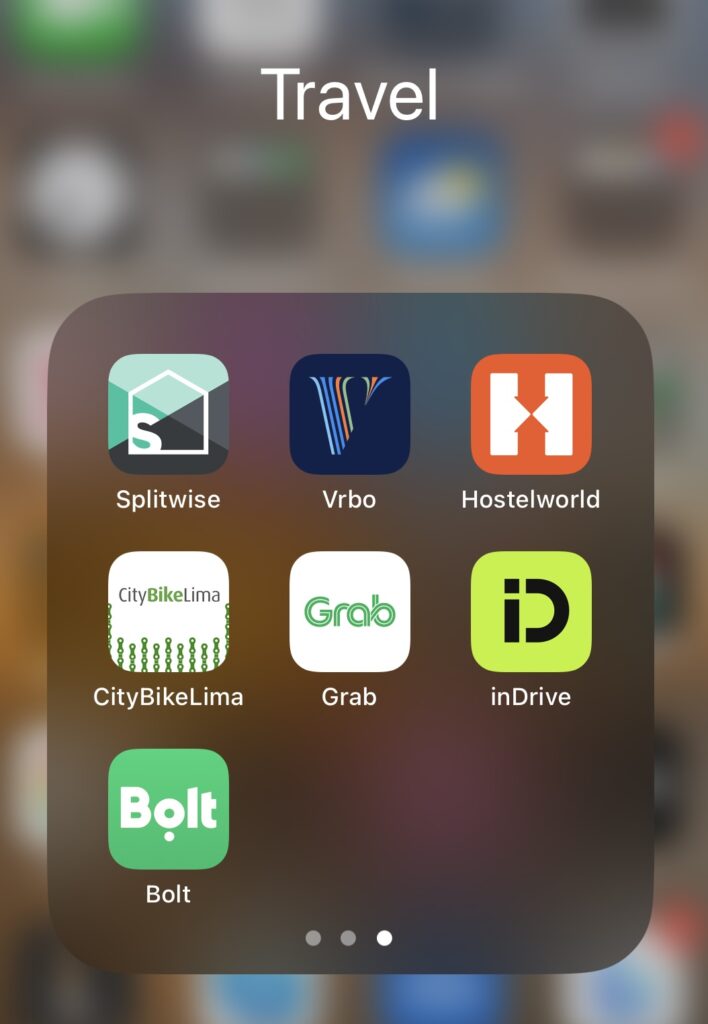
I’ve also noticed that some hotel booking sites are better in certain regions. For example, Airbnb seems excellent in Mexico and other parts of Asia, but Booking is the best hotel app in most South America. Hostelworld is almost always a safe bet for hostels anywhere in the world, but Agoda is also great (and usually has better prices).
I can speak from experience; Agoda is almost always 5-10% cheaper in Vietnam than any other booking app I use. However, if you use Booking.com a lot, you’ll increase your ranking on the site and get some pretty worthwhile discounts the more you book, so I use Booking a lot, too.
In summary, these are all must-have apps to set:
Again, it’s essential to have them all downloaded and set up. Even if you’re a loyal Hostelworld user, you never know what kind of emergency will come up, and if you need to make a last-minute hotel booking, it’s better to have more options.
For example, we got stranded on Isla Holbox in Mexico during a tropical storm and could only find one hotel room available through Booking.com; there was nothing on Airbnb (which was our go-to in Mexico).

2. Transportation Booking Apps
Transportation booking apps are among the best travel apps because we all need to get around. Just like there’s no singular best hotel app, there’s no singular transportation app. You’ll need to download a variety of apps for different needs. Here are my top recommendations for must-have transportation apps:
- Google Flights App: Google Flights (which you can access directly from your browser and through Google by just searching ‘Google Flights’) is the best place for booking flights. You can look at flight prices for an entire month or on specific dates, track flights, and compare prices among different services. I use Google Flights for every flight and book directly through the airline website. I never use third-party sites for flight booking.
- Skyscanner: This is another popular flight comparison app that works very similar to Google Flights, except this is an actual app you can download. It also compares flight prices and travel dates; you can check out the cost of flights with more open-ended destinations.
- Omio: This is the app for booking trains, buses, and ferries in the United States, Canada, and Europe.
- Busbud: This is another excellent bus-booking service. It works in North America, South America, Europe, Africa, and Southeast Asia. I’ve used it to book many buses in North America, and it’s worked perfectly.
- Uber, Grab, DiDi, etc. Rideshare apps are among the most important for traveling. The exact apps you download will depend on where you’re traveling to, but it doesn’t hurt to have more variety. Uber is most popular in North America, Canada, and Europe. DiDi was the best rideshare app for South America when I was there, and Grab is super popular in Southeast Asia. It’s best to research before your trip and find the options for the city/country you’re traveling to. For example, Grab is universal in Thailand, but I found Bolt and inDrive had better prices last time I was there.
Again, it’s better to go overboard with these apps (and set up accounts for each before you begin traveling) because you never know which one you’ll need in an emergency. So, figure out which are useful for the country/cities you’re traveling to, and make sure they’re set up and ready to go for your flight.
3. Your Banking Apps
This goes without saying, but you’ll need access to your bank accounts when traveling. However, the one thing most people overlook is informing their banks of their travel dates and destinations. If you don’t tell them when and where you’ll be traveling, there’s a chance your bank will freeze your card when you try to use it abroad.
You can usually set a travel notification right in the bank’s app. If you currently have two-factor authentication (where your bank texts you a code to access the app), turn that off if you’re traveling abroad and won’t be able to access your phone number while out of the country.
While talking about banking apps, if you’re from the United States, I highly recommend getting an account with Charles Schwab. It’s the best bank for travelers because it reimburses 100% of all ATM fees (even abroad).
They also have top-notch customer service. My card was frozen while I was traveling in Vietnam because of a scam alert, and they mailed a new card to my hotel in Vietnam that arrived in less than five days.
4. Google Authenticator (and set it up for everything you can)
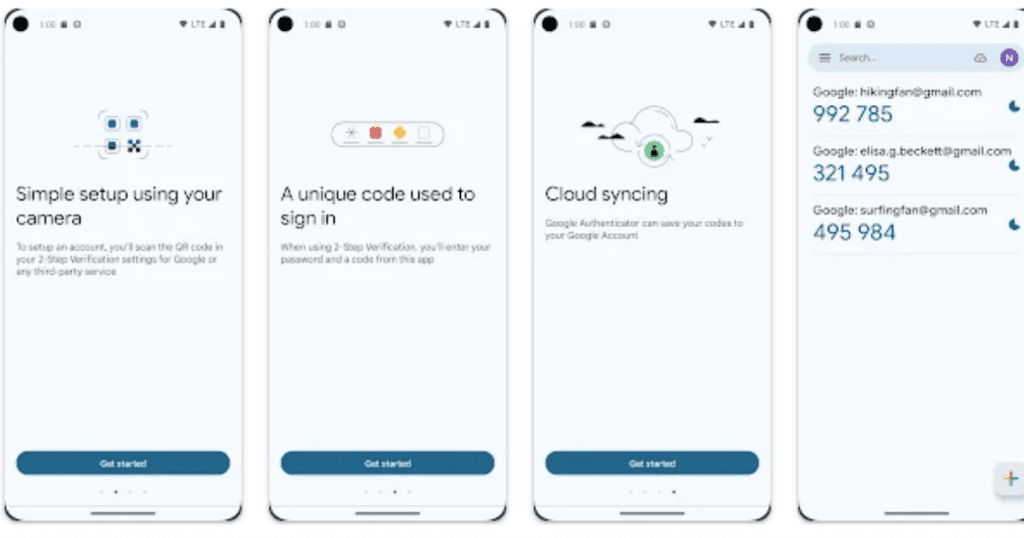
Google Authenticator is becoming more and more popular for basic security measures, but it’s also a very useful thing to have when traveling (especially if you’re traveling long-term).
Sometimes, when you’re in an unusual location, certain websites and apps will flag your usage as suspicious and restrict your access to your account. In the ‘old days’, you always had to connect your phone number to your accounts so you could receive a text to regain access.
Now, many sites are letting you connect to Google Authenticator, which is not only super secure but very convenient if you’re traveling and don’t always have access to your phone number.
You can connect Google Authenticator to your Gmail, Facebook, Coinbase, Robinhood, Paypal, Booking.com, and other apps and accounts. I recommend setting it up and connecting anything before leaving the country.
5. Google Translate
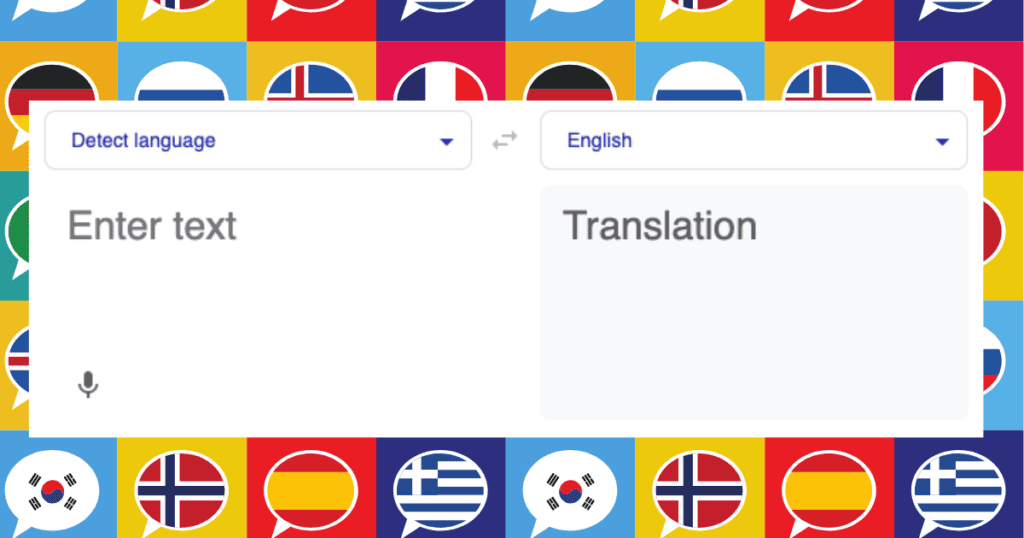
Unless you’re traveling to a place that speaks the same language as you, you’ll likely need to communicate. For this reason, Google Translate is one of the best apps for traveling. You can use it for simple text translations, conversations (just give it access to your microphone and speak into it), and pictures.
You can also download languages to use them offline (though I’ve found it doesn’t always work offline, it’s still useful).
6. XE (for currency exchange)
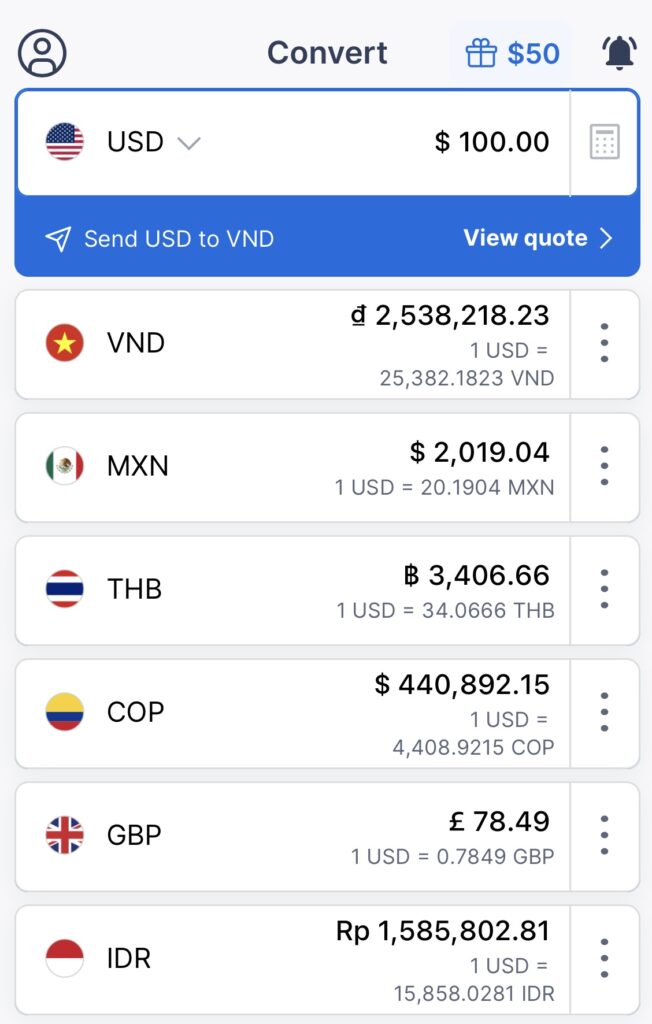
XE is a currency converter app and is probably the app I use most while traveling. You can select as many currencies as you want and convert instantly to see what it is in all your favorite currencies.
For example, if I’m in Vietnam and haggling with someone over the cost of a shirt, and they tell me it costs 100,000 VND, I can open the app, enter 100,000 VND, and see the exact conversion to USD and any other currency. It is unbelievably convenient because it’s surprisingly easy to jumble currencies when traveling.
Once, I took the slow boat from Thailand to Laos. The boat takes two days, and you stay one night in a small village in Laos. When I got off the ship, I didn’t even think of what the currency was in Laos because I was so tired, and I ended up paying something ridiculous like $20 USD for a cheap beer because I just handed over whatever the vendor asked for (they knew what they were doing). Ever since then, I always check the most recent exchange rate regularly.

7 Whatsapp (for communication)
Whatsapp is a text messaging app used worldwide outside of the United States, China, and a few other Asian countries. If you’re from outside the United States, Whatsapp is a no-brainer, but if you’re from the United States and haven’t traveled before, you might’ve never even heard of the app.
My first international trip was in 2016, and I had not downloaded WhatsApp before leaving my country (I had never heard of it). That was one of my biggest mistakes because I quickly learned that every European I met only used WhatsApp for communication.
Everyone uses WhatsApp, including other travelers, businesses, hotels, hostels, etc., so definitely make sure you have this downloaded and ready to go before leaving the United States (also, ask your family and friends to download it so you can keep in touch with them while you’re gone if you aren’t getting an international data plan for your phone). It’s so popular that many data plans include unlimited WhatsApp usage.
8. Airalo App (for e-sims)
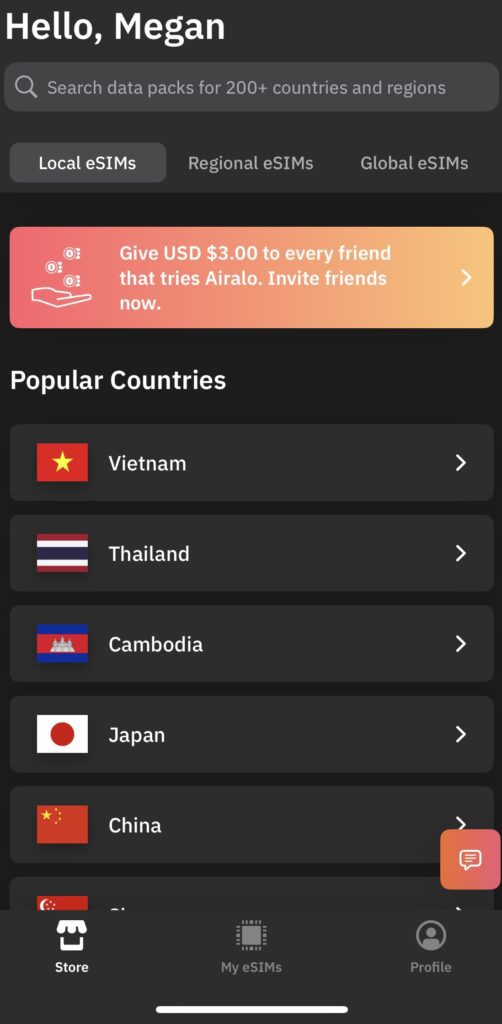
Airalo is an online eSIM store that allows you to preload a SIM from any country. When you land in a foreign country, you can immediately activate a local SIM card to have data. It’s been a game-changer.
I always buy a local SIM from Airalo before I get on the plane and finish the installation on my phone upon landing at my destination. They also have international packages that will work in entire regions or across multiple countries. It’s usually slightly more expensive than getting a local SIM card, but being able to do it all on your phone before arriving makes it so much easier.
If you’ve never downloaded an eSIM before, it can be a bit confusing at first, but they give you step-by-step instructions on exactly how to install the eSIM, so just follow along, and you’ll be all set.
9. World Clock App
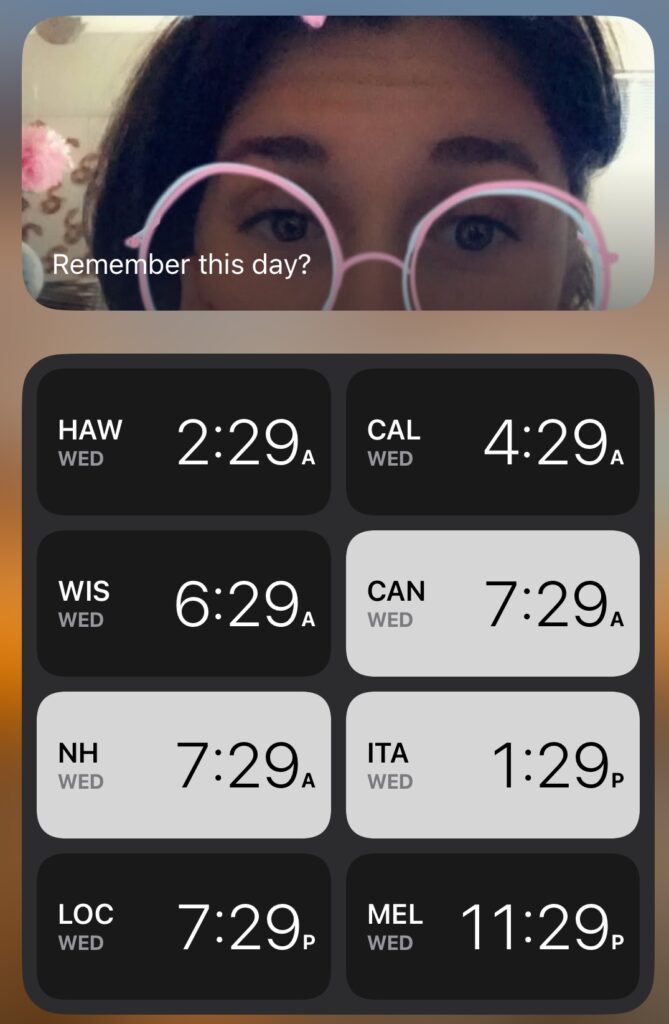
It is easy to lose track of the time zones when you’re traveling. I honestly use my World Clock app more than anything because I always want to text/call family and friends from different time zones.
I keep a timezone widget on my home screen with a handful of different timezones around the world; that way, I always know what time it is when I need to reach out to someone (or do something related to work).
This is a small thing to do, but it’s so useful.

10. Navigation Apps for Offline Use
Navigating is one of the most essential parts of traveling. Nowadays, we have our phones with everything we need at our fingertips. Fortunately, we don’t need to figure out old-school maps and rely on outdated guidebooks anymore. But we need to ensure we can get around, even if the WiFi or cell service cuts out.
Google Maps is the king of navigation apps, and you can download entire countries and regions for offline use. Make sure you do this through your app before you leave the country. That way, when you arrive at your destination, you’ll have some understanding of where you are and where you’re going if you can’t get any cell reception or internet.
I will say that Google Maps’ offline mode can be a little unreliable sometimes. So, I also recommend downloading Maps.me, which is another great offline navigation app. On my first backpacking trip, I used that one to get all over Southeast Asia, and it never failed me. It doesn’t update as often as Google, but the offline mode is better.

11. Kindle and Libby (for reading)
I’m a big reader, and traveling with all the books I want to read is impossible. That’s where Kindle and Libby come in handy. I have an Amazon Kindle (an old one) that I love and use so much. When traveling and reading a lot, I’ll pay for the monthly Kindle Unlimited service, so I can access all sorts of books.
However, I mostly use Libby to download books and audiobooks, and it’s possibly my favorite app in the entire world.
If you don’t know what Libby is, it’s an online book and audiobook database connected to your local library. If you have a library card in the United States, you can log into the Libby app and download books and audiobooks (you can read books directly through the app or send them to your Kindle app). Sometimes, there’s a wait for popular books, but you can place a hold, and they’ll notify you when it’s available to download.
You only get the book for 21 days, but that’s usually plenty of time, and you can always renew the book (just like at the library).
12. Spotify (for music)
I feel like I was in denial about Spotify for a long time because I felt like it was getting awfully close to monopolizing music and podcasts, but I’ve come to terms with the fact that it’s the absolute best app for music for those living on the road.
You can download entire playlists and podcasts for offline use, and Spotify has recently branched out into audiobooks. The limit is 15 hours a month for Spotify Premium members (for audiobooks, it’s unlimited for music and podcasts), but it’s just enough for one book, which is useful for long travel days.
13. Skype (for emergency calls)
| NOTE: Skype officially announced it’s closing May 5th, 2025. Until then, we will test other emergency call apps for people traveling abroad and will update this article to the best of our findings. Stay tuned! |
I forgot Skype existed for a long time, but I recently discovered how convenient it is, and now I wouldn’t go without it. Traditionally, Skype is a video chat platform, but it also has text and phone services, which come in handy for those living abroad.
I pay about $9.99 a month for a Skype (U.S.) phone number from which I can call and text. It’s not with a service provider in the U.S. (which means my number shows up as “spam” when I try to call someone with caller ID), but it does the trick. I’ve used it several times to call a U.S. number (usually my bank) and handle work-related emergencies while abroad.
14. PT Distinction (for exercise)
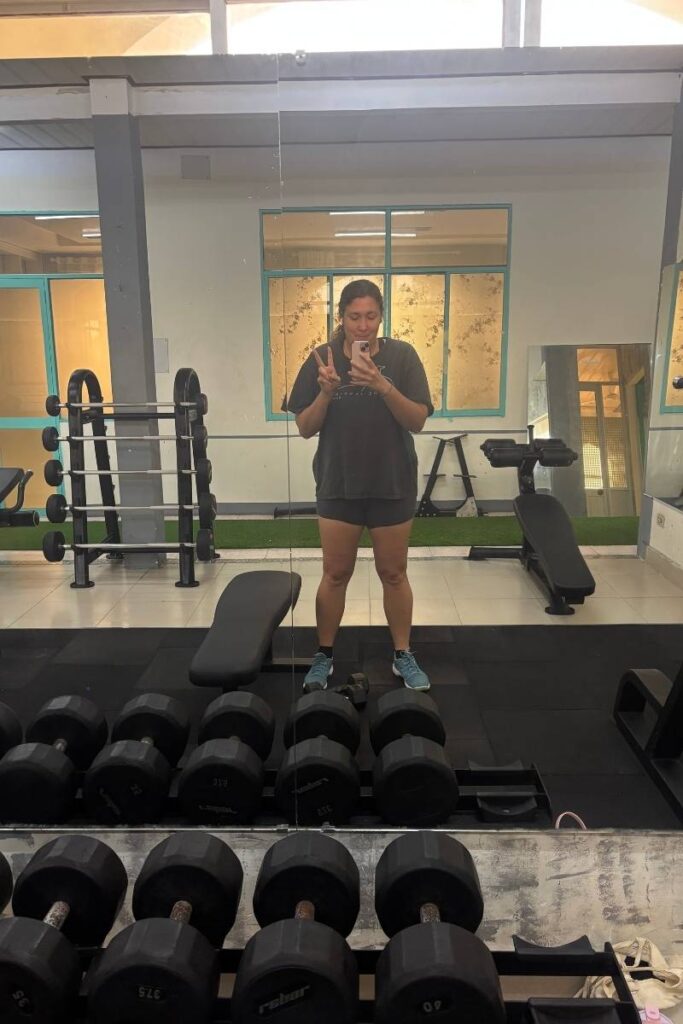
One of the hardest things about traveling is staying active and setting aside time for physical health. I’ve certainly lost track of that many times when living on the road. However, I discovered the app PT Distinction through a local gym last year, and it’s been such a game changer.
Basically, you sign up with a personal trainer at Stryker Fitness and download the app. The trainer designs weekly workouts tailored to you and your goals. If you have access to a gym, great; they’ll give you workouts for the gym. However, if you are only doing home workouts, they can also design bodyweight/cardio sessions for you.
You record your progress, which keeps you accountable. The app also has a nutrition portion where you can count calories and track your meals if you’re into that stuff.
The easiest way to get PT Distinction and start with a trainer is to message them directly on the Stryker Fitness Instagram. They’re super friendly, and it’s a small-town business, so it’s very personal.
15. Splitwise (if you’re traveling with others)
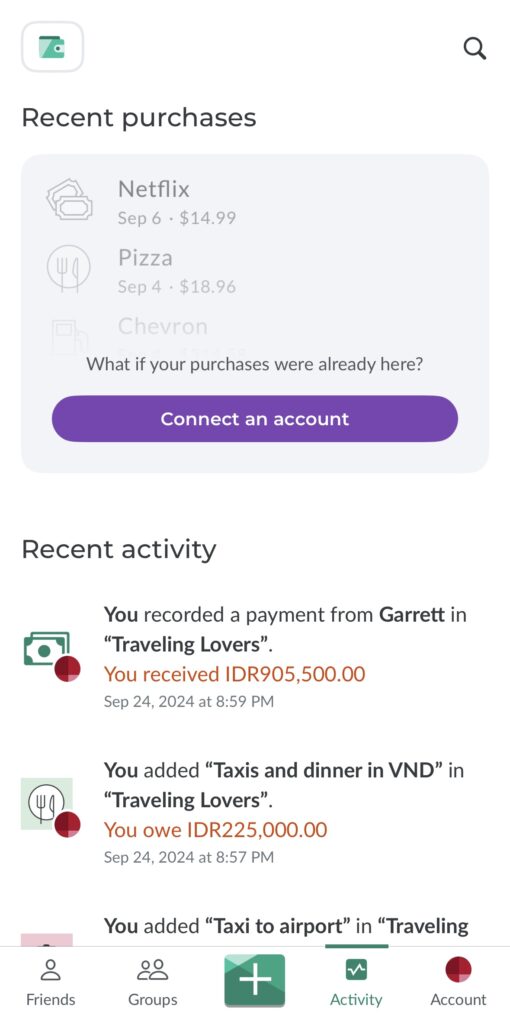
Splitwise is another useful app if you’re traveling with friends. It’s a tool for keeping track of who owes whom money. You can use different currencies and connect everyone to it directly. So, if you buy dinner, just add the total to Splitwise and divide it amongst your group.
I’ve used it both when traveling with friends and sometimes to record larger purchases with Garrett, and it’s been super useful. It has a paid version, but the free version does exactly what you need it to do.
16. Clue (for females who menstruate)
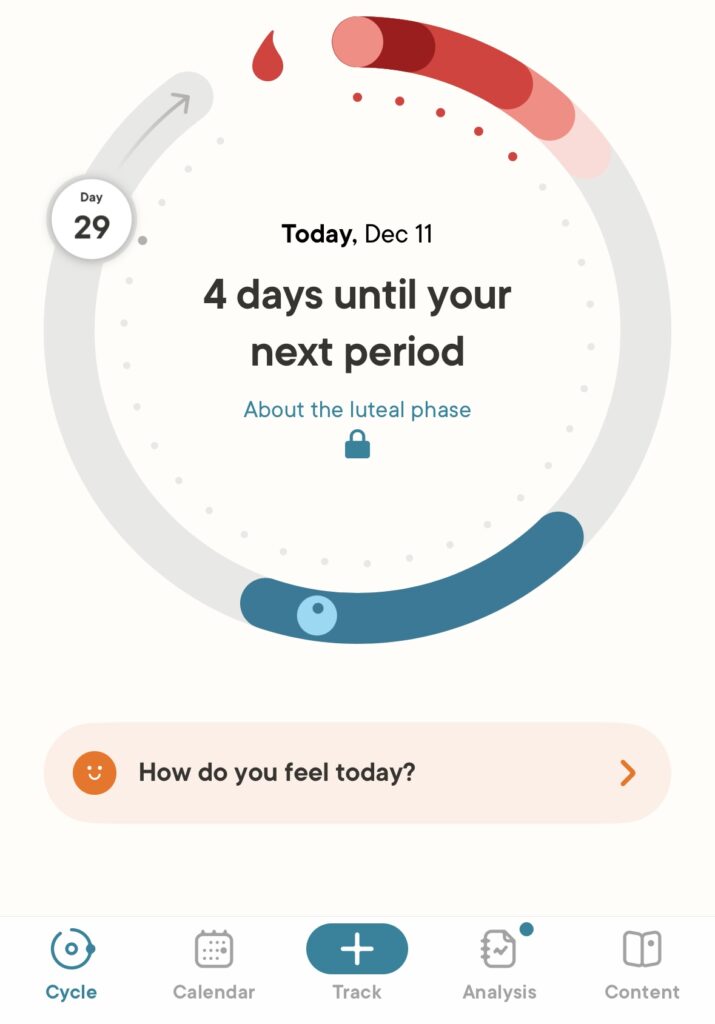
If you menstruate, Clue is one of my favorite travel apps. It’s a newish menstruation monitoring app where you record your period start/end date and any other details you feel are worth recording.
When I travel, I always forget about this part of being a girl and sometimes get a little taken aback when my time of the month rolls around at the most inconvenient times. But if you keep an eye on it with Clue, you’ll have a rough idea of when you should start and can plan accordingly.

17. Nord VPN
Finally, nobody should leave their home country without a VPN app. I’ve used Nord VPN for years and would highly recommend it.
I use it for a variety of different reasons. Most often, I use it to change my location to access Netflix In my home country (because Netflix availability is location-dependent) and for certain websites that I don’t seem to like when I’m abroad (they’ll flag my activity as suspicious when I move around too much, so I use a VPN to set my location in the US), and as a layer to protect my data when I have to use public WiFis (usually coffee shops and airports).
You can connect Nord VPN to your laptop or phone, and it is one of the most useful apps for traveling.

Seriously, Don’t Forget These Apps for Traveling
There we have 17+ of the best travel apps. I have downloaded and used every app on this list regularly while I’m traveling. I’m not getting anything for recommending them to you (other than happiness knowing I may have helped plan your next trip to Ho Chi Minh City or elsewhere worldwide).
I’ll keep this list updated as I discover new, helpful apps to get around the world.
Do you have anything to add? I’d love your recommendations or thoughts on the best apps for traveling.



Leave a Reply